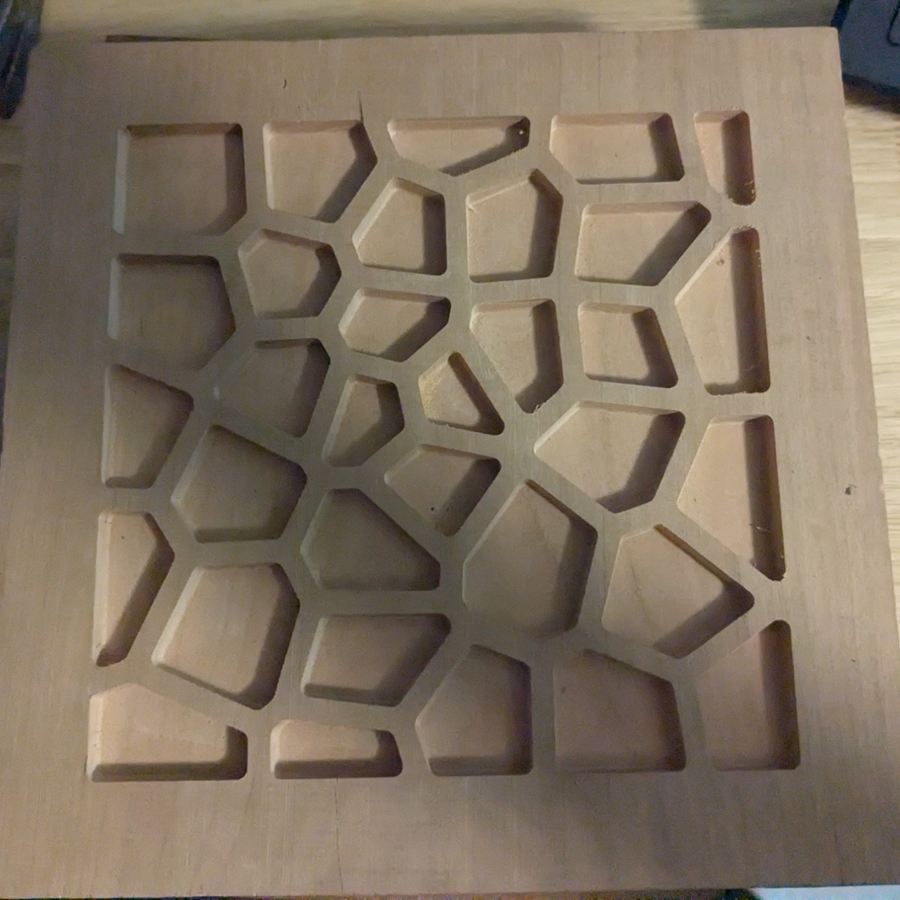
Pick a pattern, a map or a picture, fit it to your stock, and export G-code your machine can run. Pattern Carver handles pockets, V-carves, two-part inlays, tabs and bit choice for you.

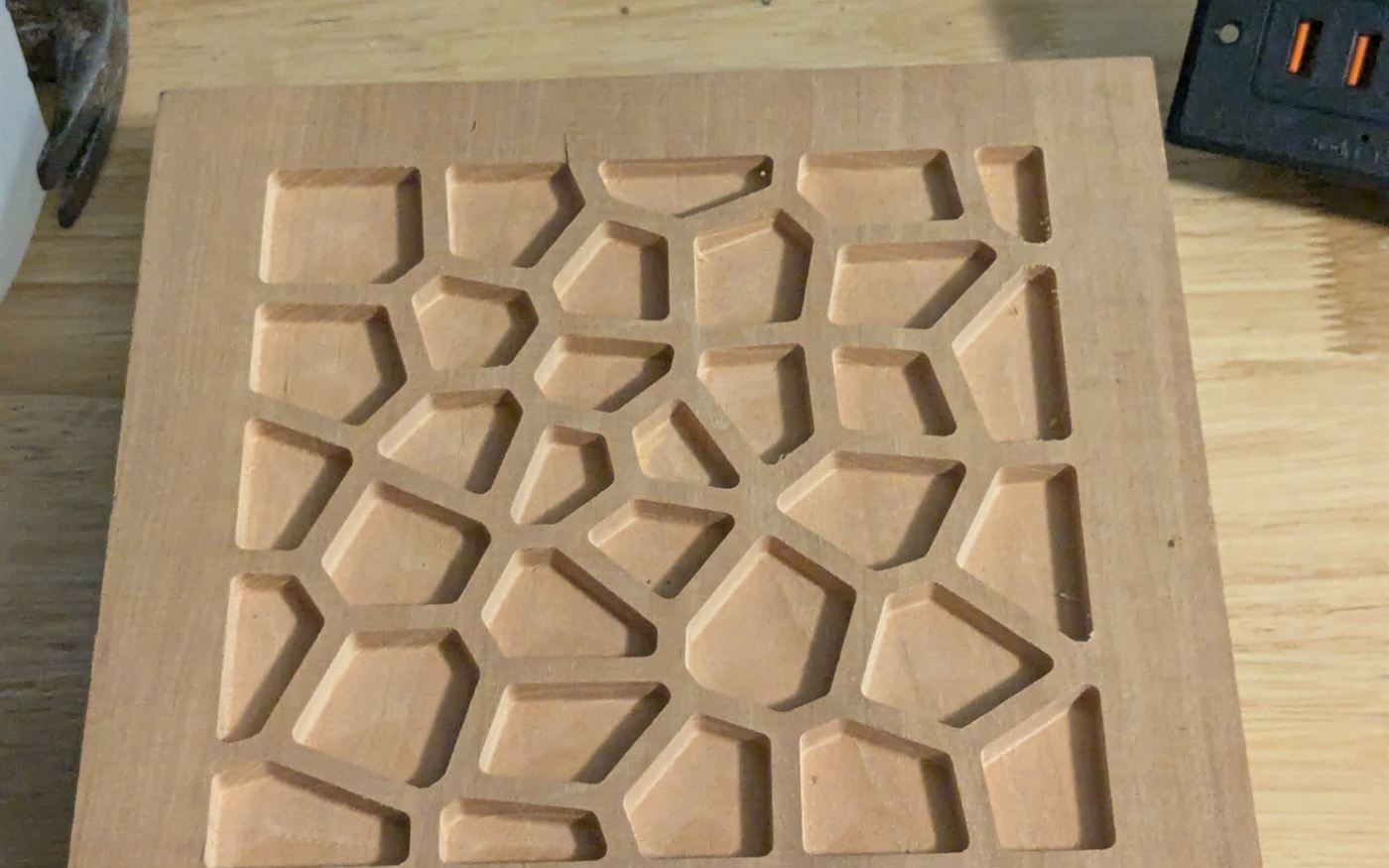
Sierpinski, Vicsek, Pythagoras and H-trees, Koch, L-systems, Voronoi cells, shattered glass and circuit-board tiling. Blend two patterns in one area and fit it all to your stock.
A node-graph editor for Mandelbrot, Julia and your own escape-time fractals, with a live preview. Use any graph to fill a part.
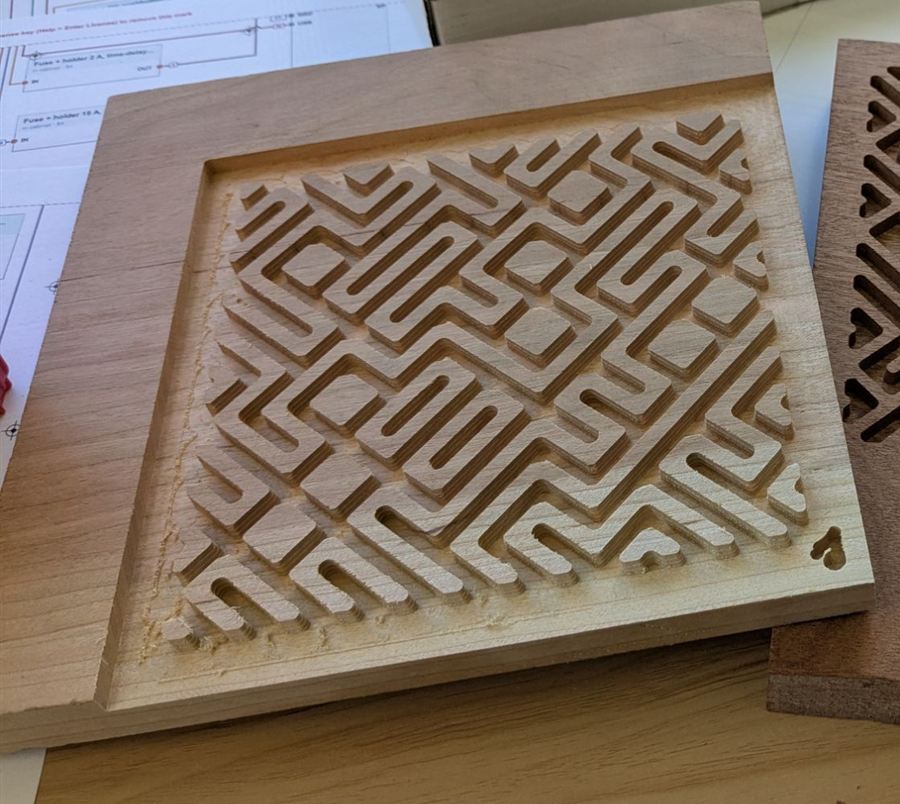
Select any carving and press Mate to get the matching plug, with drafted or V-carved walls and a glue gap you set. Plugs can be spread across your scrap off-cuts automatically.
Search a place and turn its streets into an engraving, or its topography into a 3D relief carving. Grow patterns from a curve or a point, and click any enclosed area to fill it.
Trace, contour, halftone, stipple, hatch, or carve a photo as a 3D relief, with an adjustment stack.
Setups and operations like Fusion 360, cut down to what carving needs: holding tabs, finishing passes, arcs (G2/G3), Z zero on the spoilboard, and STEP and DXF export.
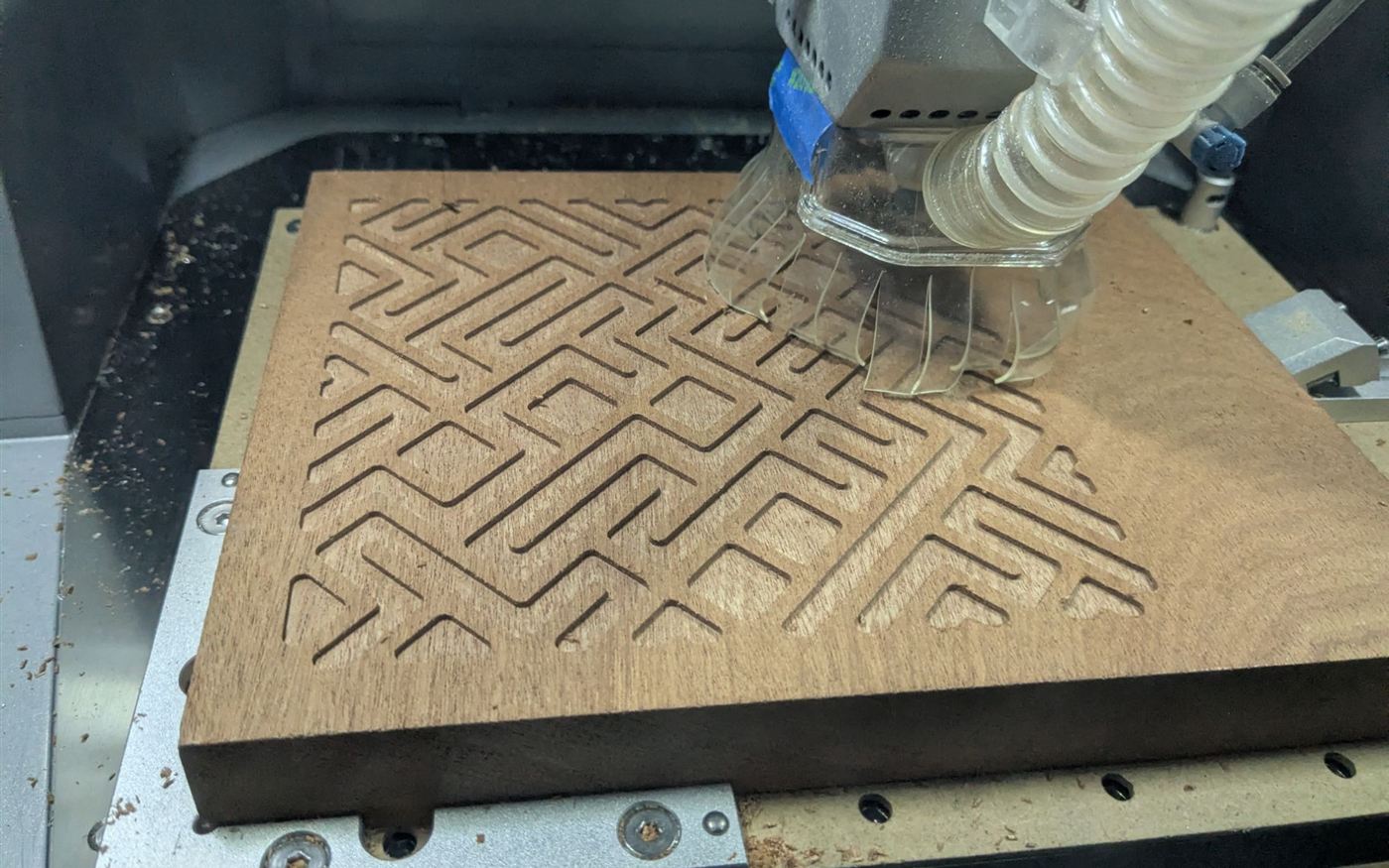
The 2D shaded, 3D and finished views show pockets as the bit will cut them. Inside corners are rounded to the bit radius, and gaps too narrow for the bit stay as wood, outlined in amber. Toolpath view shows the same areas in red.

Each controller gets the right tool changes, program end and spindle dwell, in its own units. Pick your machine and the app fills in its controller and bed size.
| Controller | Tool change | Status |
|---|---|---|
| Makera Carvera · Carvera Air | M6 Tn (auto tool change on the Carvera) | Tested on real cuts |
| GRBL (X-Carve, LongMill, OpenBuilds…) | M0 + message | Beta |
| Carbide Motion (Shapeoko, Nomad) | M6 Tn | Beta |
| Mach3 / Mach4 | M6 Tn | Beta |
| LinuxCNC | M6 Tn G43 Hn | Beta |
| UCCNC · Masso | M6 Tn | Beta |
| Marlin (MPCNC, LowRider) | M0 + message | Beta |
Beta: the G-code follows the controller's documentation but hasn't been run on that machine by us yet. Run it as an air cut first, and tell us how it went.
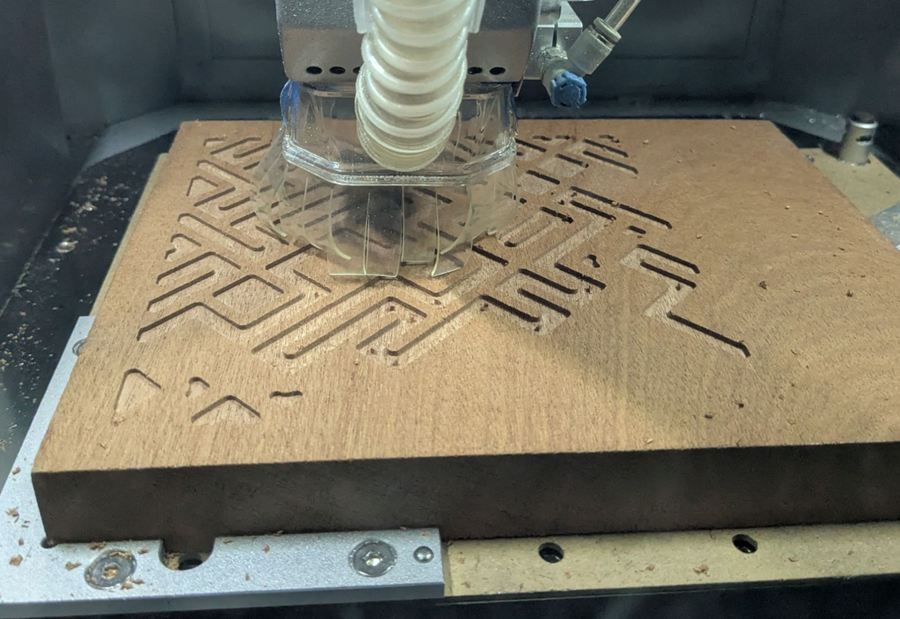
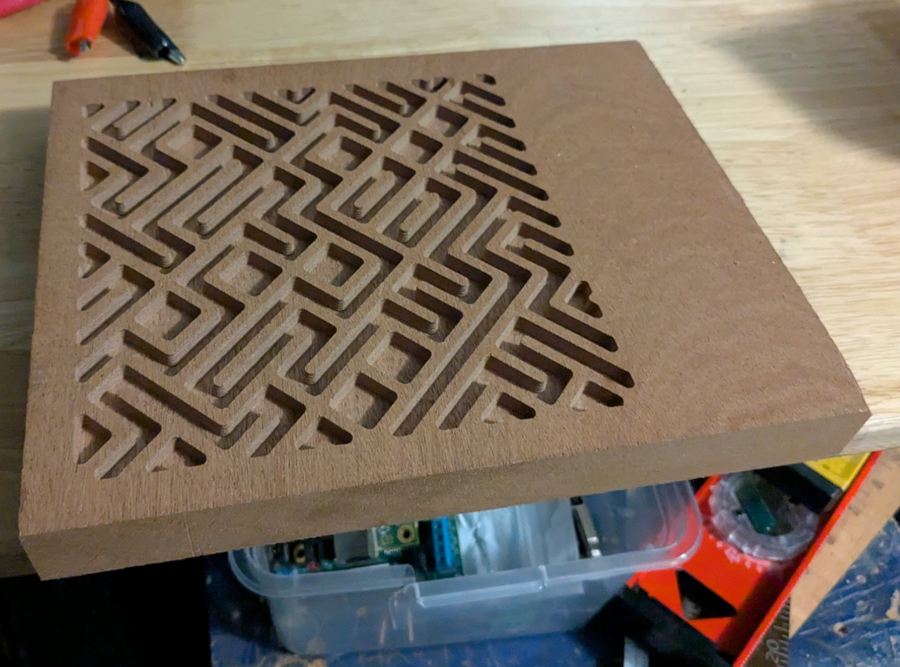
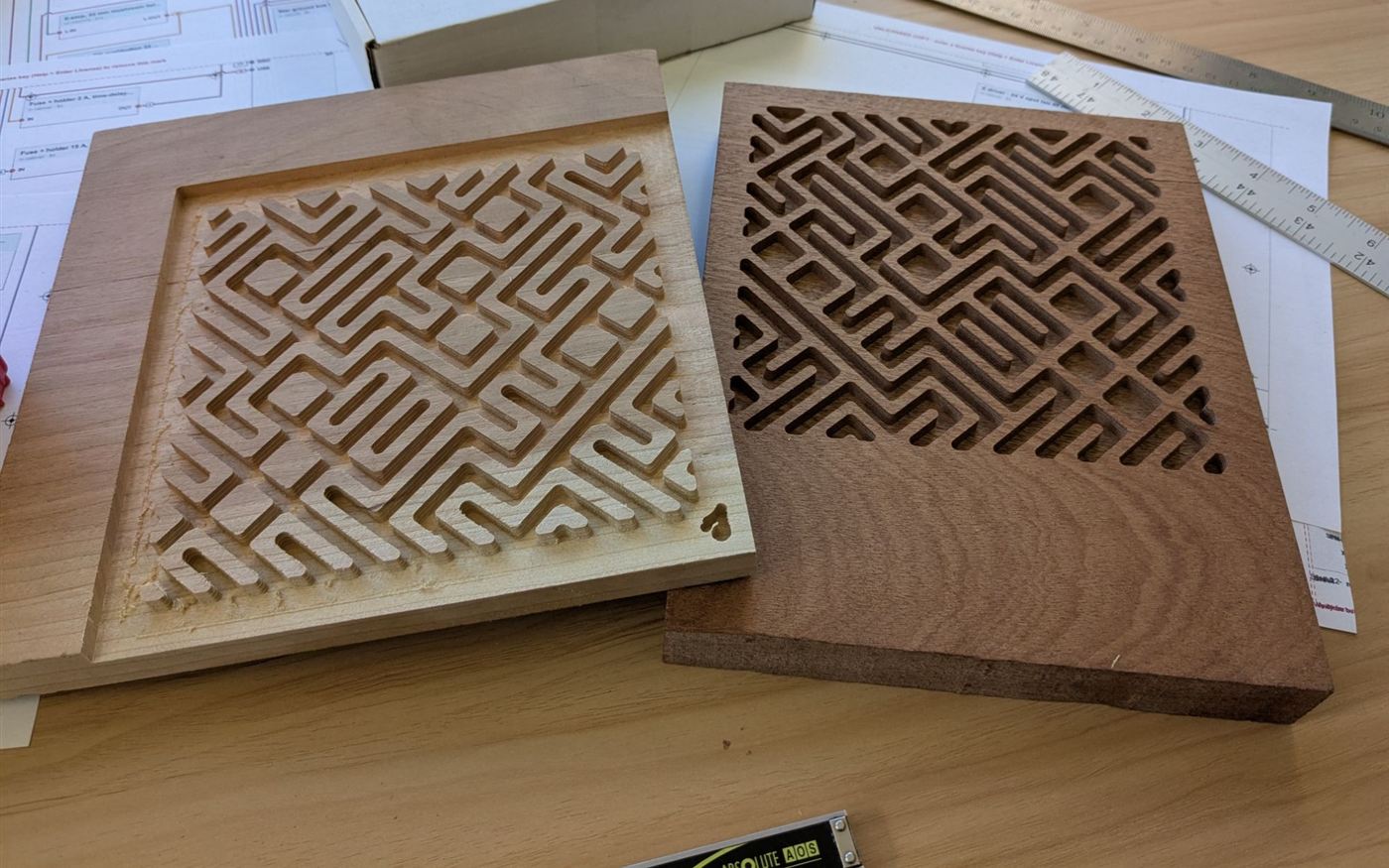
Test pieces cut with Pattern Carver. These are still waiting on glue-up and final machining.


| Feature | Free trial | Licensed |
|---|---|---|
| All design tools, Fractal Lab, pictures, inlays | ✓ | ✓ |
| Save and open projects | ✓ | ✓ |
| G-code export | Small stock only | Any size |
| SVG / PNG export | Watermarked | Clean |
| Updates for all of 1.x | – | ✓ |
| Email support | – | ✓ |
A modern browser: Chrome or Edge are recommended, and Firefox and Safari work too. It's a single file that runs offline, with nothing to install and no account.
It writes G-code for the Makera Carvera and Carvera Air, GRBL machines (X-Carve, LongMill, OpenBuilds and others), Carbide Motion (Shapeoko, Nomad), Mach3/4, LinuxCNC, UCCNC, Masso and Marlin. The Carvera output has been tested on real cuts; the others follow each controller's documentation. Try the free version on a small piece first, and always run a new program as an air cut (spindle off, Z raised) before cutting wood.
No. Enter your bit and material, and the tool suggests the feeds, stepover and depth. If you do know CAM, every setting can be changed.
After checkout, your key is emailed to the address you bought with, usually within a few hours and always within 24. Paste it into Help ▸ Enter license in the copy you already have. Your designs from the free version carry over.
Yes. Everything you carve, and the patterns you design, are yours to sell.
Email within 14 days for a full refund. No questions asked.